Gallery
A closer look at PingRoute's interface across single-flow, split, and grid layouts, in both light and dark mode.
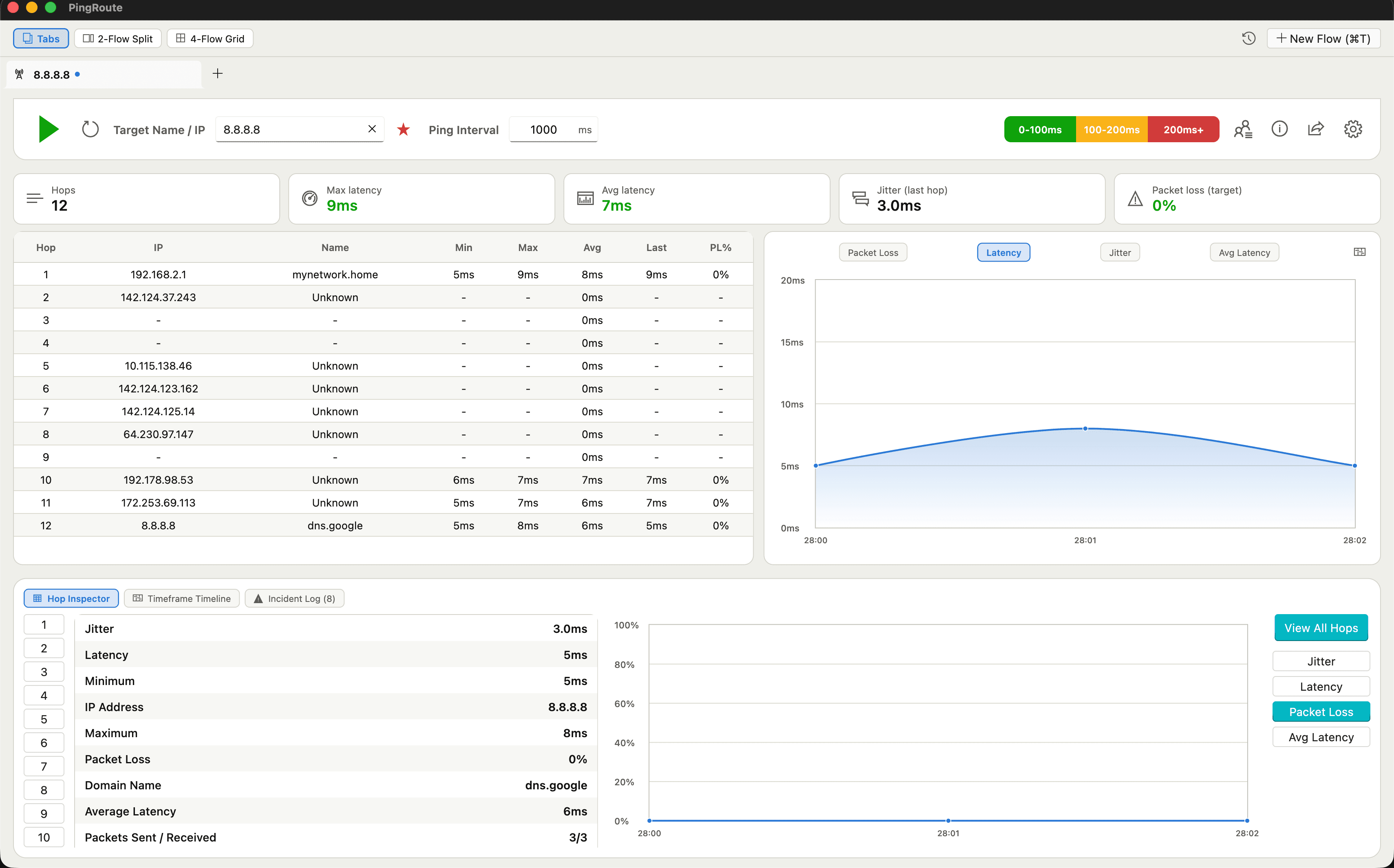
Single-Flow View with Hop Inspector
A single traceroute to 8.8.8.8 with stat overview cards, a sortable 12-hop table, live latency chart, and the Hop Inspector open on the final hop.
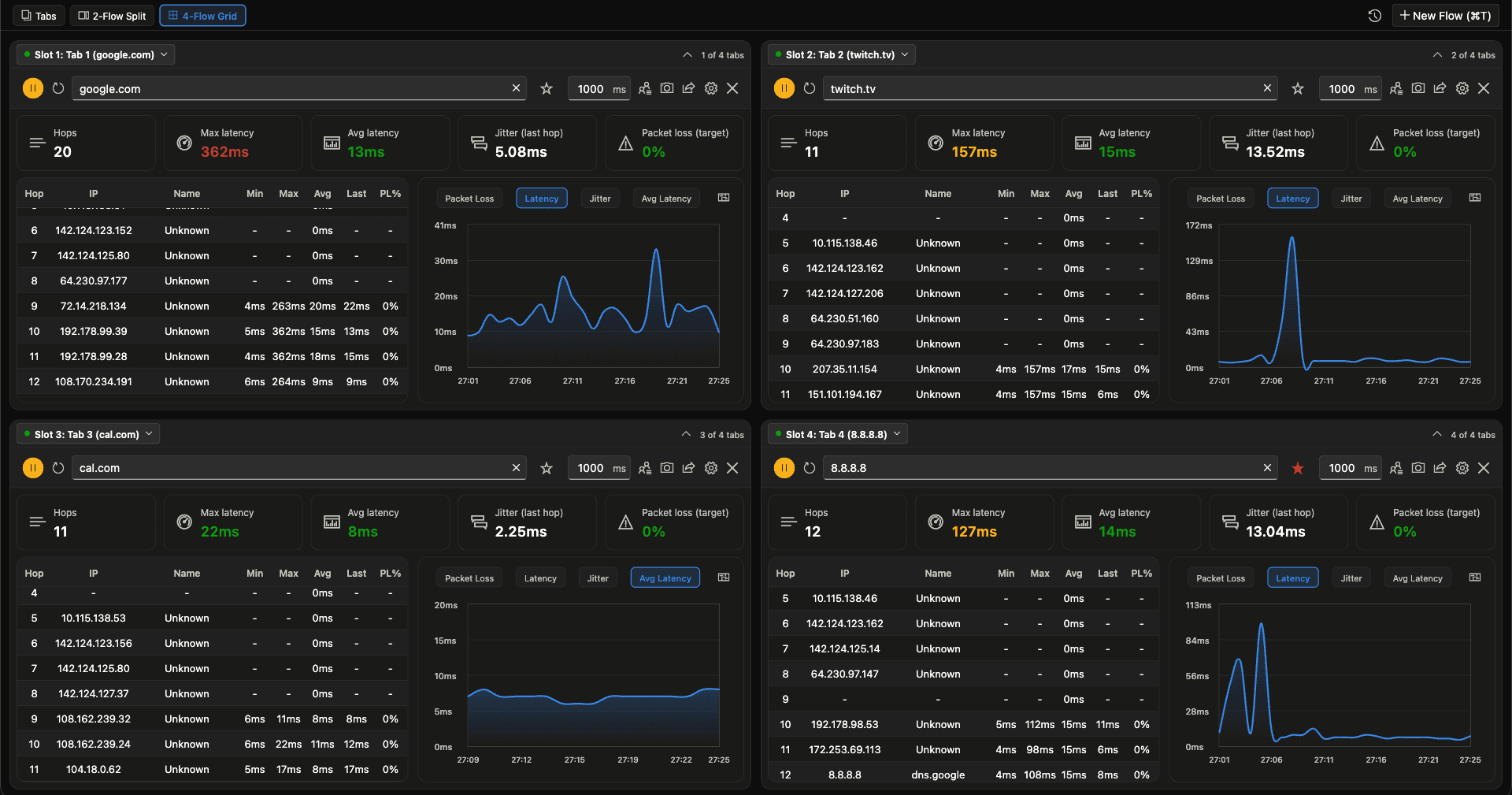
4-Flow Grid View (Dark)
Four independent flows — google.com, twitch.tv, cal.com, and 8.8.8.8 — monitored simultaneously in a 2x2 grid, each with its own stats, hop table, and chart.
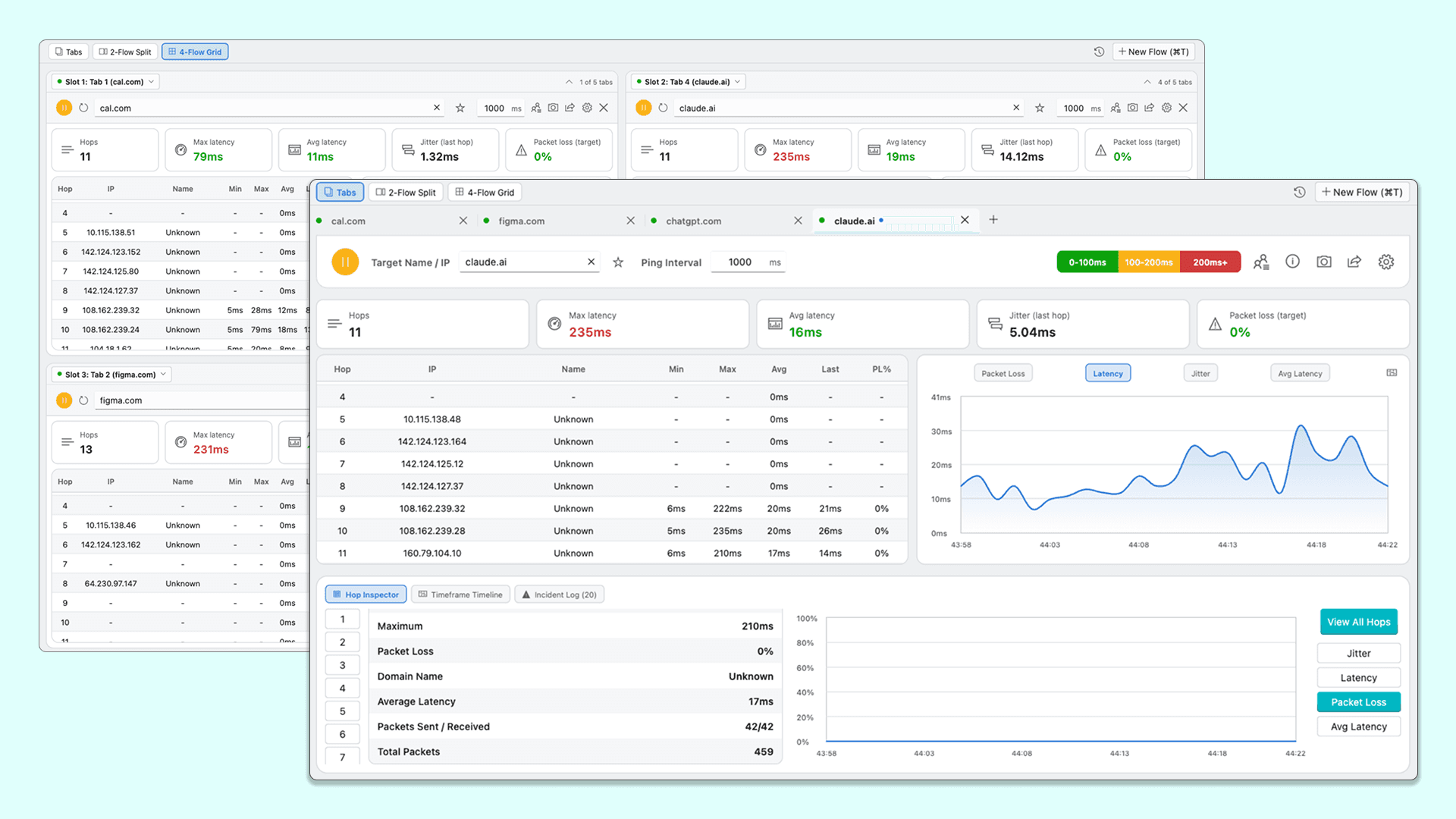
Overlapping Flow Windows
Grid view and tab view shown together, comparing cal.com, figma.com, chatgpt.com, and claude.ai with the Hop Inspector and Incident Log open.
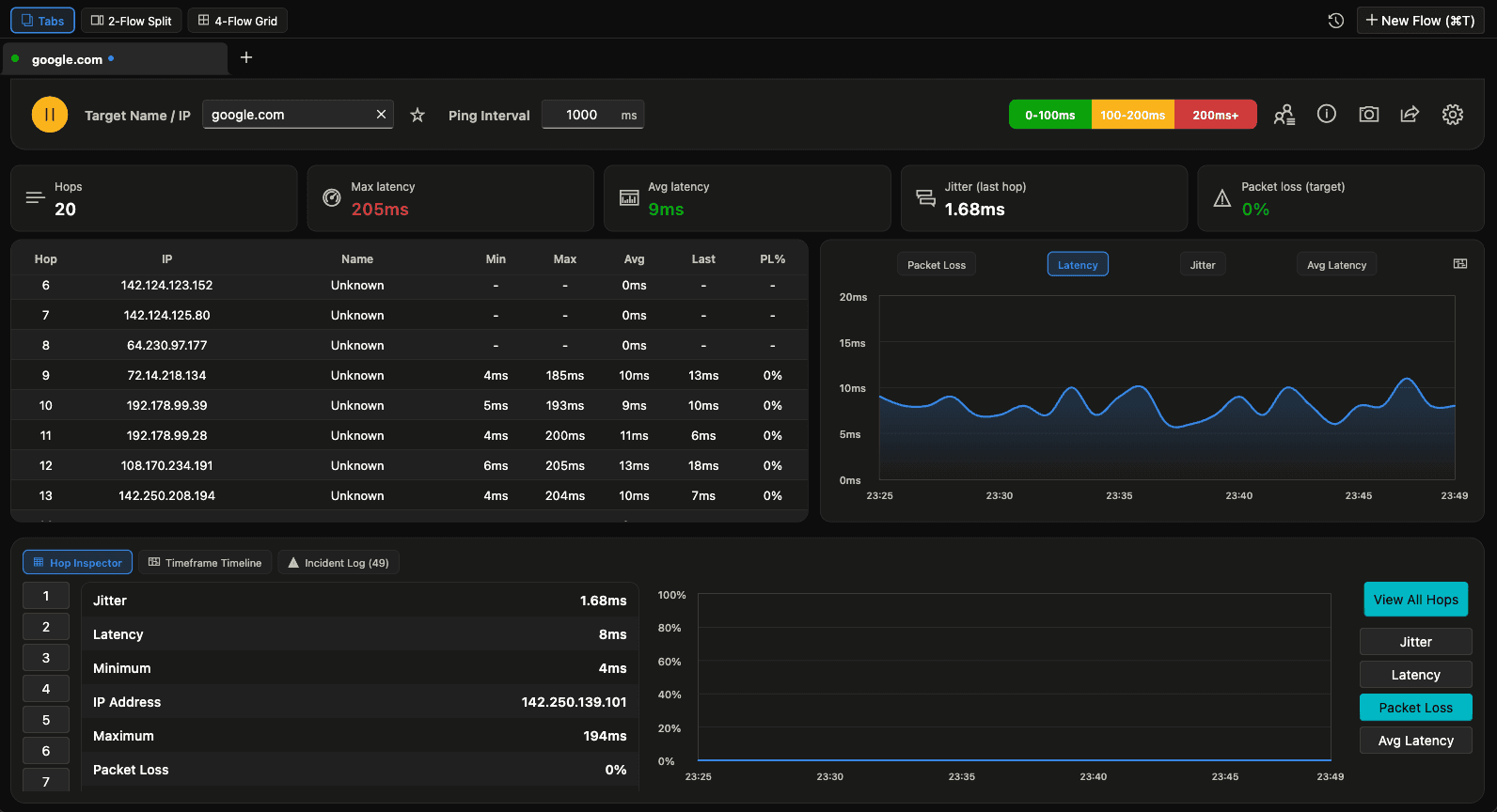
Dark Mode Traceroute
A 20-hop trace to google.com in dark mode, showing the Hop Inspector, Incident Log with 49 recorded events, and the packet loss trend chart.
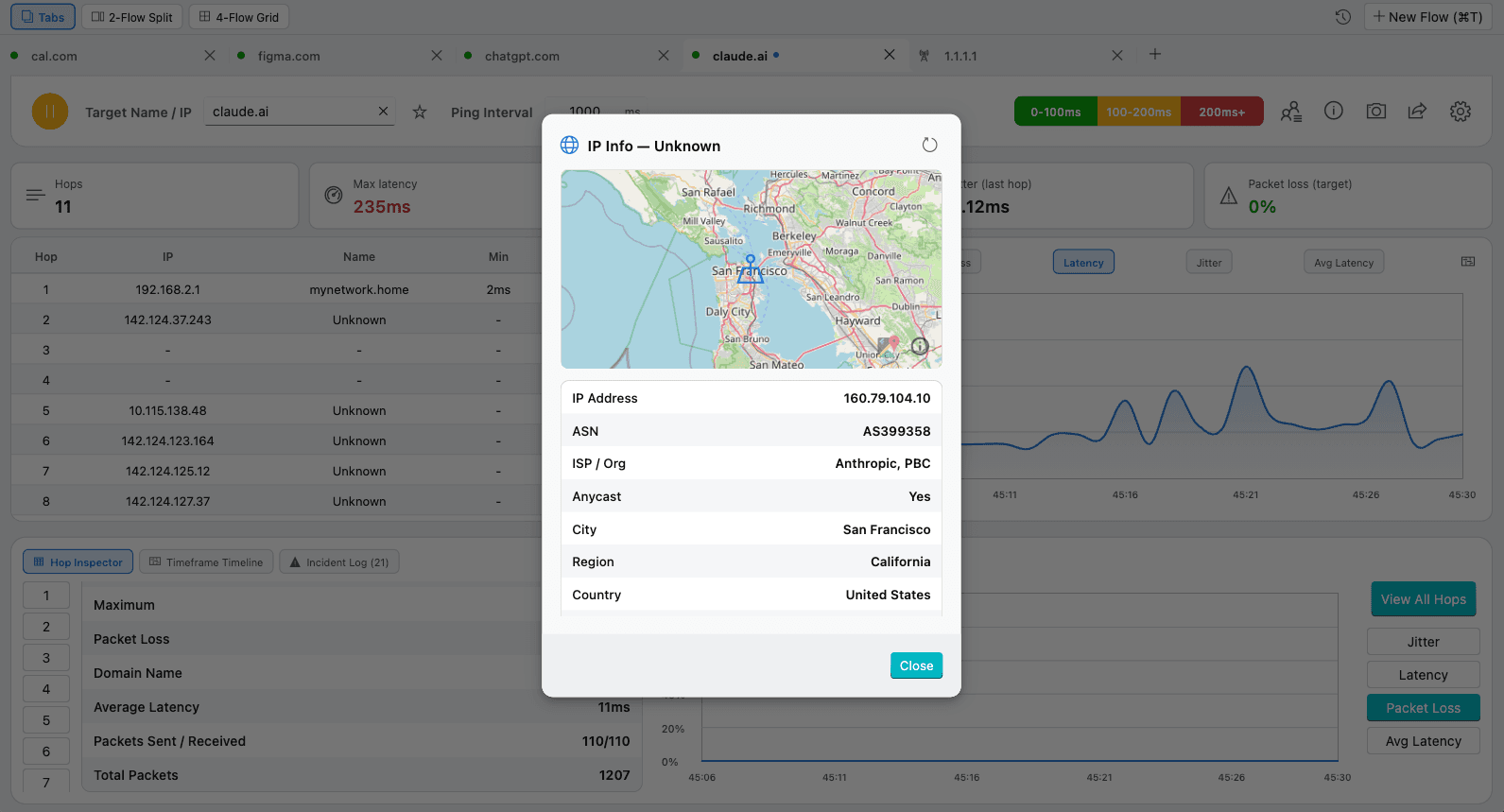
IP Geolocation Lookup (Light)
The IP Info card for a hop on the route to claude.ai, showing a map, ASN, ISP/organization, anycast status, and city, region, and country.
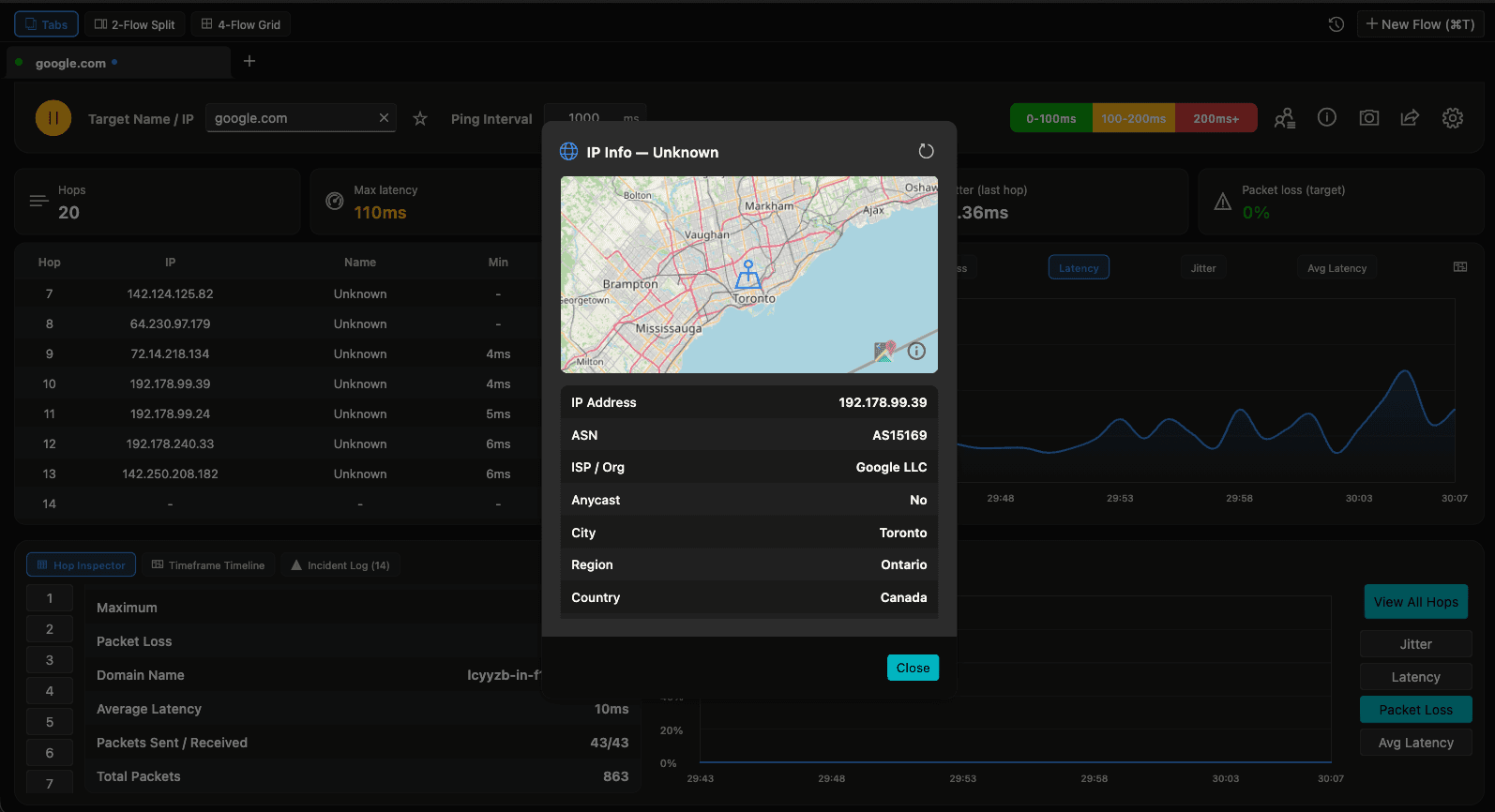
IP Geolocation Lookup (Dark)
The same IP Info lookup in dark mode, resolving a hop on the route to google.com to its ASN, ISP, and location.